AI structure for a tech team: one team, many workspaces
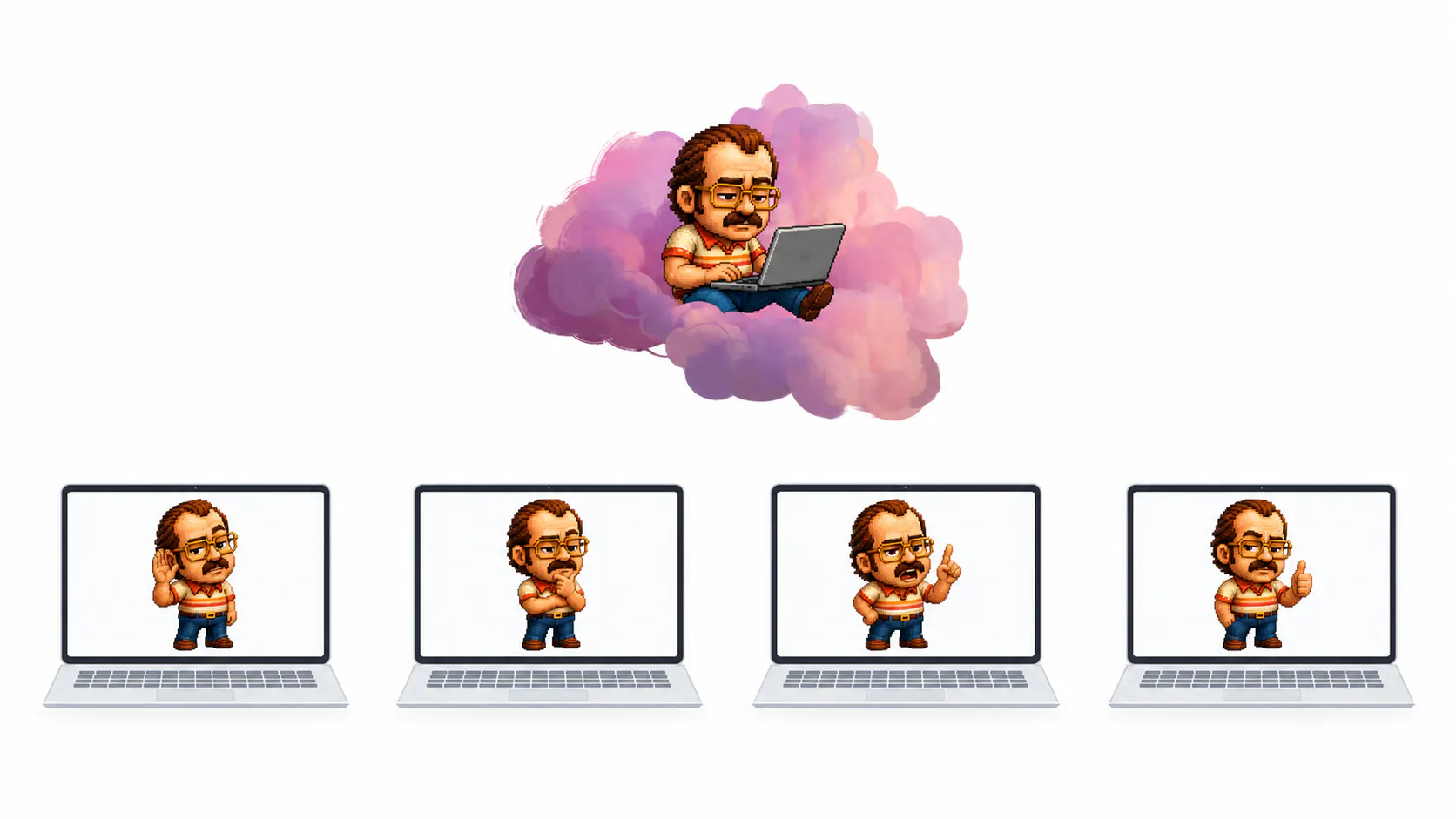
I’m making a series of articles to share our use of AI and explain how embedding AI in our systems helps our productivity everyday. Read ep1. This is how we’ve structured AI usage at team level…
To embed AI within our tech team, we needed to share code, services, knowledge, and engineering practices while moving forward together. To do so, we gave every developer their own AI-powered environment and connect those environments through a coordination layer.
One workspace per developer
Each developer gets their own VM (virtual machine). Inside that VM, Claudy manages an entire development workspace, including code repositories, running services, Docker containers, active branches, logs, tickets, and the AI session itself.
In practice, every developer has their own complete technical environment. If one engineer is working on the backend while another is updating the mobile app, they can move independently without stepping on each other's work.
Each workspace is built from the same core components:
- A dashboard to see the state of the local environment
- A backend that manages services, Git branches, and integrations
- Claudy Brain, the AI runtime with full access to the workspace
One supervisor for the team
One instance in the network plays a different role: the supervisor. It helps coordinate the system. It tracks the health of every instance, distributes shared knowledge, and manages updates.
The team also shares a coordination layer that includes shared memory and operational knowledge, shared rules and skills, configuration updates, visibility on who is working on what.
So Claudy combines two ideas:
- local autonomy: each developer has their own working environment
- shared coordination: the team shares memory, rules, updates, and visibility
Why build this structure in travel tech
We operate inside complex environments where two engineers working on the same system at the same time need to understand each other's context. A single shared AI assistant compresses everything into one generic view.
A network of coordinated workspaces preserves that context. Every developer works inside an environment that reflects their own branch, services, and tasks, while the coordination layer keeps the team aligned.
An airline's tech stack spreads on many applications: Reservation, inventory, departure control, distribution, and revenue management systems all exchange data in real time. The software we build sits within that ecosystem. As every service we touch is connected to something that's already running in production, context defines the conditions in which the work can be understood.
This article is the second episode of our AI series. In the next pieces, we will explain what this setup changes in the actual journey of a developer through a working day. Stay in touch!